by staff | Apr 16, 2025 | Tech Tip
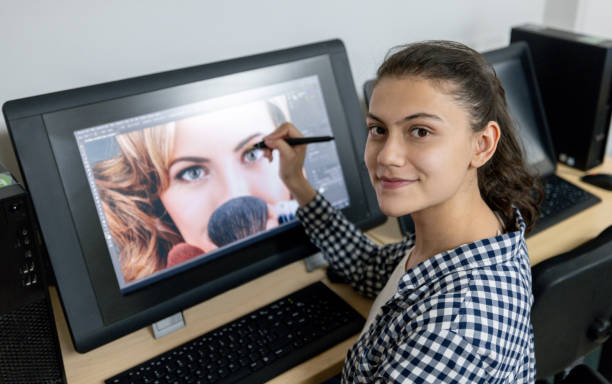
Looking for a Photoshop alternative that won’t cost a penny? GIMP 3.0 is free, open source, has some powerful image editing tools, and now has a cleaner layout and non-destructive editing. Why it’s worth a look: The recently updated GIMP has a new interface...
by staff | Jan 22, 2025 | Windows Wizardry
Discover how to use Windows 11 Energy Saver to extend your laptop’s battery life and reduce energy consumption, with straightforward steps to customise it to your needs. What is the energy saver feature? Windows 11 includes a robust energy saver feature designed to...
by staff | Nov 27, 2024 | Tech Tip
Sticky Notes in Windows allows you to jot down reminders, ideas, or to do lists and keep them open on your desktop for quick reference. Here’s how to Use Sticky Notes: Open Sticky Notes: Press Win + S, type Sticky Notes, and open the app. Create a New Note:...

by staff | Nov 12, 2024 | Tech Tip
The Auto Hide Taskbar option hides the taskbar when not in use, maximising screen space and creating a cleaner desktop environment, which can enhance focus and reduce distractions. Here’s how to enable it: Open Taskbar Settings: Right click on the taskbar at the...
by staff | Oct 30, 2024 | Tech Tip
Clipboard Pinning lets you keep specific items, for example text or images, pinned in your clipboard history, ensuring they remain accessible even as new items are copied. Here’s how to do it: Enable Clipboard History Go to Settings > System > Clipboard...
