
by staff | Mar 25, 2026 | Tech Tip
Spam filters can sometimes misclassify legitimate emails, so regularly reviewing your junk folder and adjusting settings is a simple way to avoid missing important enquiries, invoices or client messages. Why This Matters Email filtering has become more aggressive in...

by staff | Mar 13, 2026 | Tech Tip
Streamline meeting planning in Outlook by creating a poll to find the perfect meeting time, boost attendee turnout, and save hours of back-and-forth emails. Here’s how: How to do it Create a new meeting in Outlook. Click ‘New Meeting’, then select...
by staff | Mar 13, 2026 | Tech Tip
Rushed emails are one of the easiest ways to create unnecessary confusion, embarrassment, or rework, and using delayed or scheduled sending gives you a short buffer after pressing send to catch mistakes, rethink tone, or make sure your message lands at the right...
by staff | Jan 12, 2026 | Tech Tip
Boost productivity, stay on top of your work, and never miss a deadline again by turning emails into to do items or calendar events instantly. Here’s how: Open Outlook and select the email you want to convert, such as a meeting request, a task assignment, or a...
by staff | Dec 10, 2025 | Tech Tip
Did you know you can bundle any set of contacts into a single group and send a message to everyone with just one address? It’s a huge time saver and eliminates the risk of forgetting a recipient. Here’s how to create a group: desktop – Outlook 365 Switch...
by staff | Sep 12, 2025 | Tech Tip
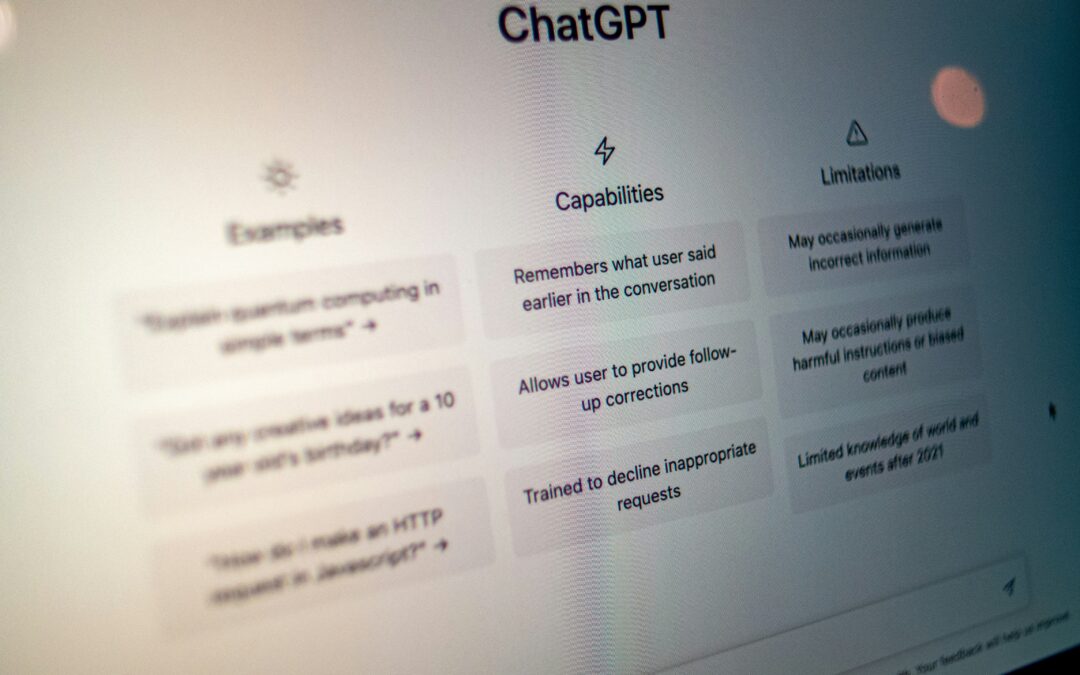
Use ChatGPT’s Study Mode to accelerate your learning and understanding of complex topics, whether you’re exploring new subjects, preparing for tests or getting up to speed on industry trends. Here’s how: Click the “+” icon and select...
