
by staff | Jan 12, 2026 | Tech Tip
Boost productivity, stay on top of your work, and never miss a deadline again by turning emails into to do items or calendar events instantly. Here’s how: Open Outlook and select the email you want to convert, such as a meeting request, a task assignment, or a...

by staff | Dec 10, 2025 | Tech Tip
Did you know you can bundle any set of contacts into a single group and send a message to everyone with just one address? It’s a huge time saver and eliminates the risk of forgetting a recipient. Here’s how to create a group: desktop – Outlook 365 Switch...
by staff | Sep 12, 2025 | Tech Tip
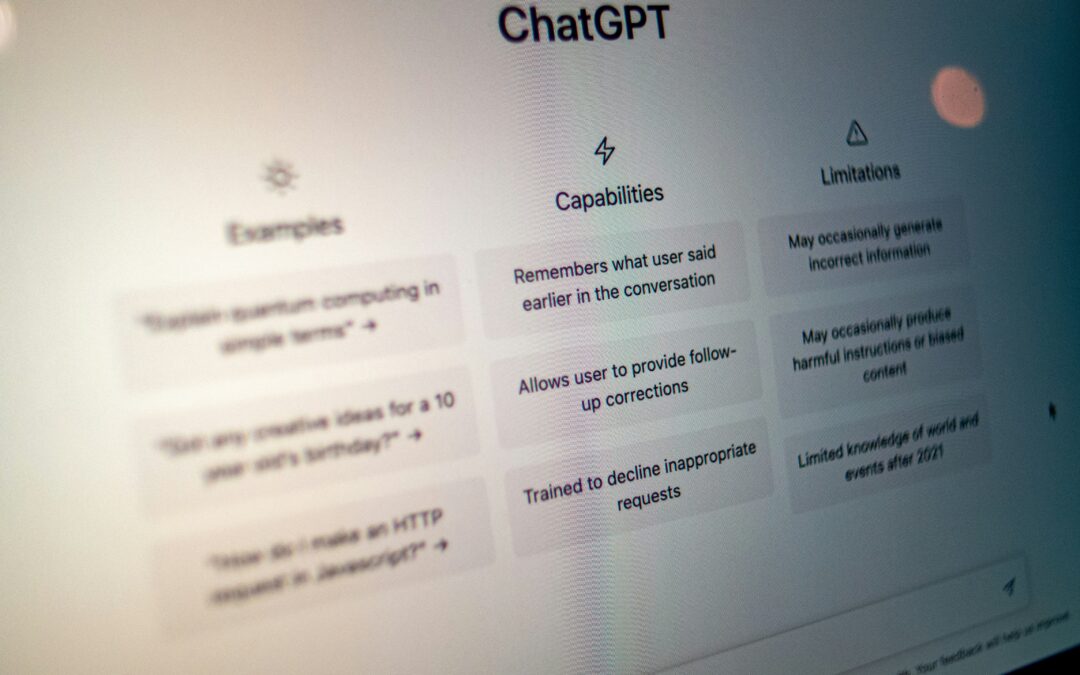
Use ChatGPT’s Study Mode to accelerate your learning and understanding of complex topics, whether you’re exploring new subjects, preparing for tests or getting up to speed on industry trends. Here’s how: Click the “+” icon and select...

by staff | Aug 6, 2025 | Tech Tip
Busy Gmail inbox? The ‘snooze’ feature lets you temporarily hide an email and have it reappear at a date and time when you’re ready to act on it. Here’s how to set it up: Hover over the email in your Gmail inbox. Click the clock icon (Snooze) on the...

by staff | May 27, 2025 | Tech Tip
Worried your login details might be floating around the dark web? There are paid solutions available which your IT expert can offer but if you’re in a pinch, Microsoft Edge can alert you if any passwords you’ve saved in the browser have appeared in a known...
