by staff | Mar 14, 2025 | Tech Tip
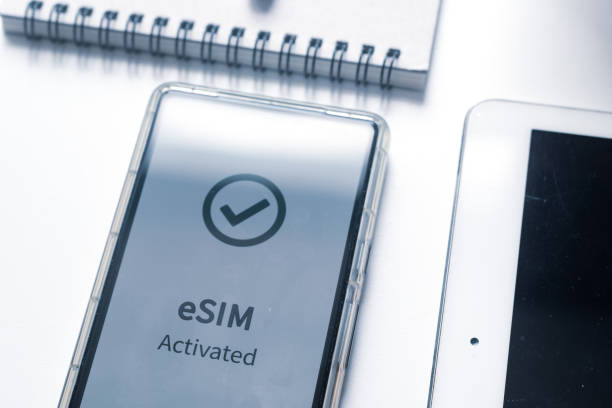
Ditching the plastic SIM? eSIMs make switching networks seamless, but not all phones support them. Here’s how to check if your phone does. How to check if your phone is eSIM compatible For iPhones: Go to Settings > General > About. Scroll down to find EID...

by staff | Feb 7, 2025 | Tech Tip
When pasting text from a website or document, this tip is a great way avoid unwanted fonts, images and colours, by allowing you to paste just the plain text. Here’s how: Copy text normally (Ctrl + C). Press Ctrl + Shift + V instead of Ctrl + V to paste without...

by staff | Dec 12, 2024 | Tech Tip
With many users adopting dark mode in the new Microsoft Outlook, including a transparent background for images such as logos or signatures ensures your emails look professional across both light and dark themes. Why It Matters Many users enable dark mode, which...

by staff | Nov 27, 2024 | Tech Tip
Sticky Notes in Windows allows you to jot down reminders, ideas, or to do lists and keep them open on your desktop for quick reference. Here’s how to Use Sticky Notes: Open Sticky Notes: Press Win + S, type Sticky Notes, and open the app. Create a New Note:...

by staff | Nov 12, 2024 | Tech Tip
The Auto Hide Taskbar option hides the taskbar when not in use, maximising screen space and creating a cleaner desktop environment, which can enhance focus and reduce distractions. Here’s how to enable it: Open Taskbar Settings: Right click on the taskbar at the...
by staff | Oct 30, 2024 | Tech Tip
Clipboard Pinning lets you keep specific items, for example text or images, pinned in your clipboard history, ensuring they remain accessible even as new items are copied. Here’s how to do it: Enable Clipboard History Go to Settings > System > Clipboard...
